Reportslayer vs your own BigQuery
For a small brand, BigQuery itself is nearly free. The connectors, metric layer and dashboards around it are the cost, and we sell all of them.
How the two compare
BigQuery can do everything in this table, once someone sets it up and keeps it running.
 Reportslayer
-
Getting data in
Reportslayer
Connectors for Meta Ads, Google Ads, TikTok Ads and 21 more, each backfilled as far as its API allows and then synced on a schedule.
Your own BigQuery
Google's transfer service loads Google Ads, GA4 and Facebook Ads, with Facebook Ads at most once every 24 hours. Its Shopify and Klaviyo connectors are in Preview, and the Shopify one needs a custom app on your store. Other sources need a connector tool such as Supermetrics, or a script.
-
Orders that change later
Reportslayer
A Shopify order edited or refunded is picked up on the next sync, however old it is. Meta's recent days are re-read at least once a day.
Your own BigQuery
A maintained connector re-reads changed orders too. A one-off export, or a pipeline nobody watches, keeps the numbers from the day it ran.
-
Metric definitions
Reportslayer
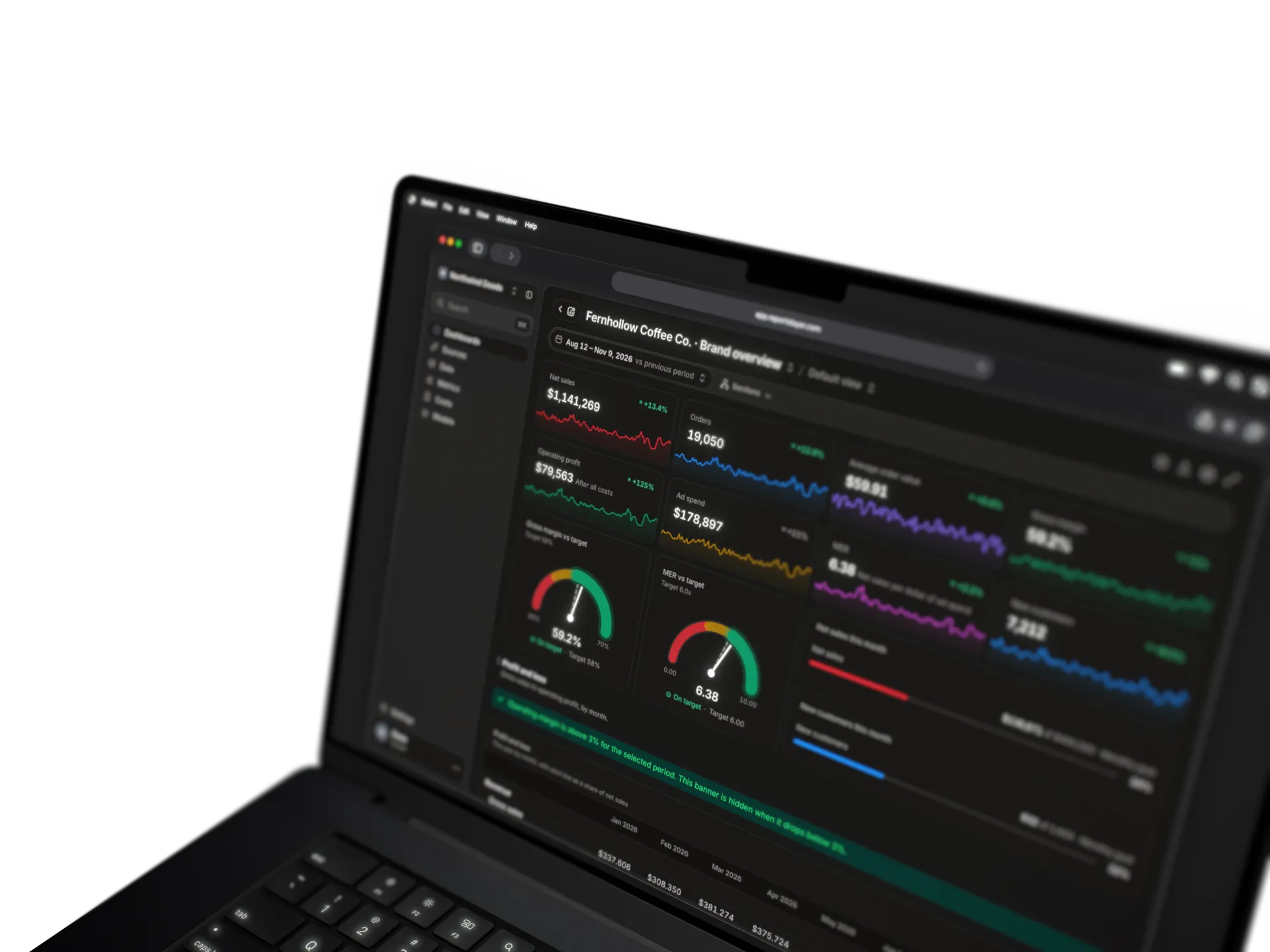
Define a metric once. The dashboard widget and the assistant run that same definition.
Your own BigQuery
Someone writes them as views or a metric layer over the raw tables, then points the dashboard and the assistant at the same one.
-
Assistant queries
Reportslayer
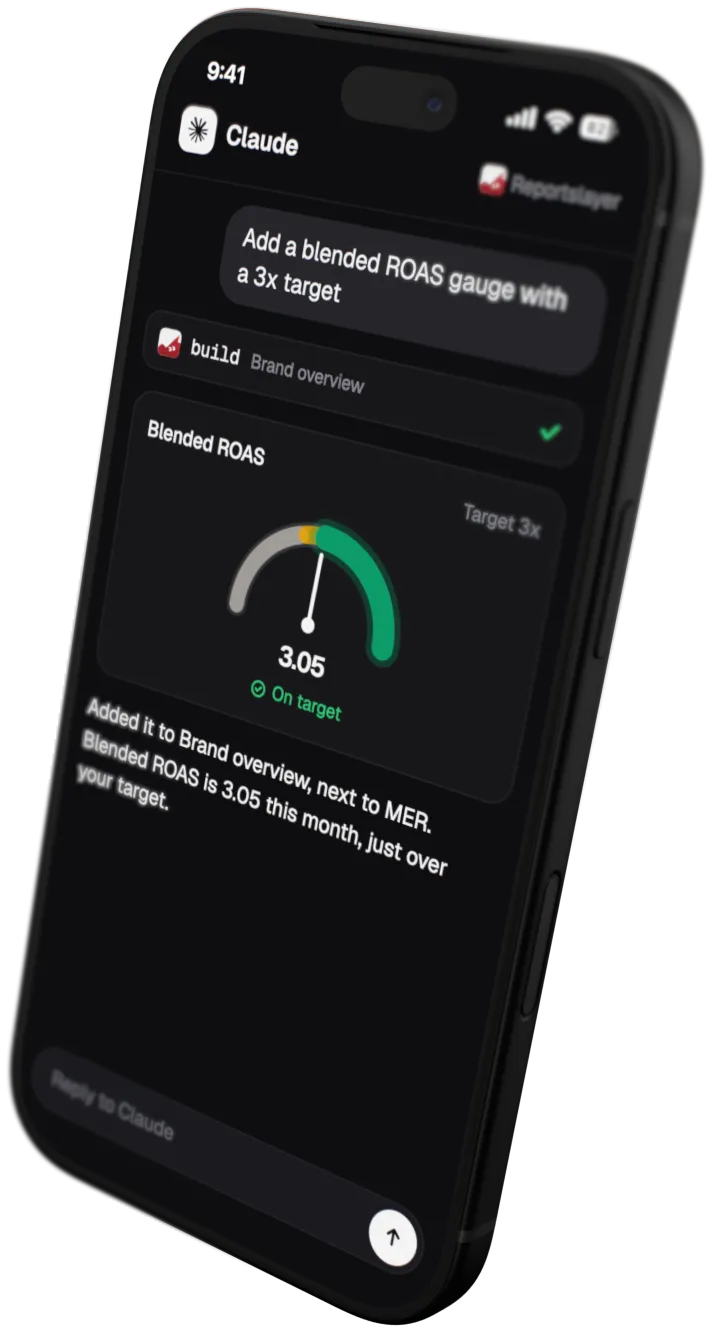
Your assistant asks for a metric and we answer it from data that's already summed up. It doesn't write its own query across millions of order rows and customer records. When a question does need SQL, it runs read-only under default limits on time and rows read.
Your own BigQuery
ChatGPT and Claude can connect through Google's own MCP server. The assistant writes its own SQL against the raw tables. A query that reads every row is billed for every row, after the first 1 TiB a month. A cap on bytes billed stays off until someone sets it.
-
Dashboards
Reportslayer
Built in the chat by your assistant or by drag and drop, and changed the same way. Each sits on its own link, with unlimited viewers.
Your own BigQuery
Data Studio is free and reads BigQuery. Someone builds each report on the tables you modelled, and rebuilds it when they change.
-
Your own business data
Reportslayer
Upload a CSV, link a Google Sheet or push rows by API, then join them to your synced tables. A statement widget lays the result out as a P&L.
Your own BigQuery
Any table you load, joined however your SQL says. The P&L is a query and a report someone builds.
-
Upkeep
Reportslayer
We run the scheduled syncs and handle rate limits and expiring tokens.
Your own BigQuery
You or a freelancer run them. The access token behind Google's Facebook Ads transfer expires every 60 days.
-
Where the data lives
Reportslayer
In a warehouse we host, with no export to your own cloud.
Your own BigQuery
In your own Google Cloud project, next to any other data you keep there.
Google's side from its BigQuery documentation (opens in a new tab), checked October 2026. Preview connectors change, so check the list before you plan around it.
Same setup, two bills
Google bills BigQuery by what your queries read, and the first 1 TiB a month is free. The rest of the stack is priced by quote or by the hour.
Shopify, Meta Ads, Google Ads, TikTok Ads, GA4 and a Google Sheet connected
-
Your own BigQuery starts close to $0 at Google, plus a connector sold by quote and the hours of whoever builds it.
Your own BigQuery
With Supermetrics as the connector
- Queries, first 1 TiB a month $0
- Storage, first 10 GiB $0
- Data Studio, free tier $0
- Queries past 1 TiB, per TiB +$6.25
- Supermetrics to BigQuery, Enterprise plan by quote
- Data Studio Pro, per user per project +$9
- Building tables, metrics and dashboards hours
- Keeping it running hours
TOTAL Plus the hours to build and run it By quote
-
Reportslayer is $29 a month, for a workspace with 100K events and full history, or free with 90 days of it.
ReportslayerPer workspace
- Connectors, warehouse, metrics, dashboards included
- Seats and viewers unlimited
- Free, 10K events a month, 90 days of history $0
- Each extra 100K events on Pro $5
- Over 1M, each extra million $5
- Building it and keeping it running on us
TOTAL Full history, 100K events $29
Google prices, on-demand in the US, from BigQuery's (opens in a new tab) and Data Studio's (opens in a new tab) public pages. Connector prices from Supermetrics' pricing page (opens in a new tab) in US dollars on monthly billing: BigQuery is a destination on its Enterprise plan, sold by quote, and its Growth plan is $222 a month for 6 sources with no warehouse destination. All checked October 2026. Data Studio is the tool Google used to call Looker Studio. Prices change, so check theirs before you decide.
When your own BigQuery is the better pick
Some setups fit your own BigQuery better. These are the ones we know of.
-
You already have a data team
If someone already runs your pipelines and a BI tool, adding marketing sources to that stack is a small job. We are built for teams without a data person.
-
The data has to stay in your own cloud
We keep it in a warehouse we host. If policy says it must sit in your own cloud or region, BigQuery gives you that.
-
Other tools need to read the data
We don't export to BigQuery, Sheets or Data Studio, and your BI tool can't connect to our warehouse. BigQuery works with anything that speaks SQL.
-
You are building a company-wide lake
We store ads by ad and by day, orders line by line, and any rows you push through the API, raw events included. A lake that holds every system's data, files and logs for the whole company is a bigger job, and BigQuery is built for it.

Try it before you scope the build
Free has every feature for up to 10K events a month, so you can put your own numbers on a dashboard before anyone prices a data project.
- Free up to 10K events a month, with every feature
- Pro is $29 a month per workspace with 100K events
- Month to month, cancel anytime