Reportslayer vs Porter Metrics
Porter Metrics is the closest tool to ours, and a good one. It bills per connected account, and ours are unlimited.
Same setup, two bills
Porter Metrics bills each connected account, and we bill the workspace with unlimited accounts inside it.
Shopify, Meta Ads, Google Ads, TikTok Ads, GA4 and a Google Sheet connected
-
Porter Metrics is $40 a month, for 5 accounts with full history, or free with up to 30 days of it.
Porter Metrics
Per connected account
- Shopify 1 account
- Meta Ads 1 account
- Google Ads 1 account
- TikTok Ads 1 account
- GA4 1 account
- Google Sheets not a source
- Free, up to 30 days of history $0
- Each extra ad account, store or property +$8
TOTAL Full history, monthly billing $40
-
Reportslayer is $29 a month, for a workspace with 100K events and full history, or free with 90 days of it.
ReportslayerPer workspace
- Accounts and sources unlimited
- Google Sheets a source
- Free, 10K events a month, 90 days of history $0
- Each extra account +$0
- Each extra 100K events on Pro $5
- Over 1M, each extra million $5
TOTAL Full history, 100K events $29

Porter Metrics prices from its public pricing page (opens in a new tab), checked October 2026. Prices change, so check theirs before you decide.

How the two compare
Porter's column restates its own pricing page and nothing else.
-
How you pay
Reportslayer
Per event, one row synced or pushed in, and per workspace on Pro. Accounts are unlimited.
Porter Metrics
Per connected data source account, with volume discounts.
-
History
Reportslayer
Free shows the last 90 days. Pro keeps every source as far back as its API allows.
Porter Metrics
Up to 30 days on free. Full history on paid plans.
-
Google Sheets
Reportslayer
A source. Link a sheet and its rows become a table keyed by date, so they join with every connector.
Porter Metrics
An export destination, not a source.
-
Blending sources
Reportslayer
Every source sits in one warehouse keyed by date, so one question can mix Meta spend with Stripe payments.
Porter Metrics
Included. It matches metrics like spend, campaigns and UTMs across sources.
-
AI assistants
Reportslayer
A plugin for ChatGPT and Claude, plus MCP for any other client. Answers use the same metric definitions as your dashboards.
Porter Metrics
MCP on every plan, free included, to chat with your data and generate reports in Claude and ChatGPT.
-
Dashboards
Reportslayer
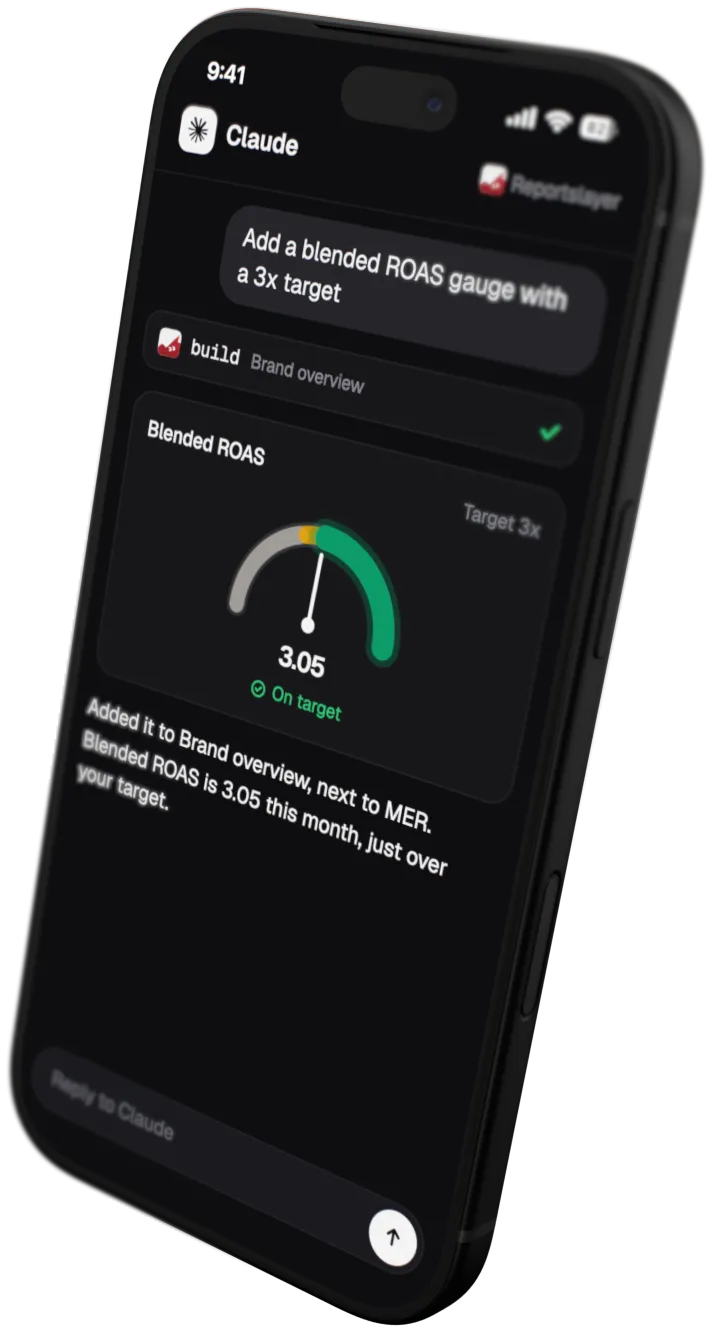
A grid of widgets. Drag them by hand, or ask your assistant to add a chart, swap a metric or move a line of the P&L.
Porter Metrics
Live AI-generated dashboards, plus reports in Looker Studio, Google Sheets and Power BI.
-
Where data lives
Reportslayer
Our own warehouse.
Porter Metrics
Porter's warehouse or your own.
When Porter Metrics is the better pick
Some setups fit Porter Metrics better. These are the ones we know of.
-
You report in Looker Studio or Sheets
Porter sends data to Looker Studio, Google Sheets and Power BI. Our dashboards live in Reportslayer.
-
You need a source we don't sync
Porter lists 30+ data sources. We have 24 and add more when customers ask.
-
You want AI to run your ads
Porter's Automation lets an AI run tasks in ad and social platforms. We read from your ad accounts and never change them.
-
You want the data in your own warehouse
Porter can store it in yours. We keep it in ours.

Connect every account you have
Accounts are unlimited on Free and Pro, yours and your clients'.
- Free up to 10K events a month, with every feature
- Pro is $29 a month per workspace with 100K events
- Month to month, cancel anytime