Reportslayer runs inside ChatGPT and Claude
Add the plugin, connect your sources from the chat and ask. Your assistant draws dashboards in the reply.
Any other MCP client works too. Add this server address.
https://app.reportslayer.com/mcp How did September go?
get metrics revenue, orders, ad_spend, blended_roas, Sep

September closed at $184,320 from 2,431 orders. Ad spend was $60,400, so blended ROAS came to 3.05x.
Northwind Goods Sep 1 to 30, 2026
- Revenue +12.4% $184,320
- Orders +8.1% 2,431
- Ad spend +18.2% $60,400
- Blended ROAS −4.9% 3.05x
- Meta $41,200
- Google $12,900
- TikTok $6,300
Set it up from the chat
Add the plugin, log in to each source, and you get your first report.
- 1
Add the plugin
Hit Add to ChatGPT or Add to Claude. Adding it signs you in and creates your Reportslayer account.
- 2
Open the connect card
A connect card in the chat shows each source and whether it's connected yet.
- 3
Log in to each source
Each source's own login opens in a browser tab. Finish it and the card flips to Connected. Shopify installs from the Shopify App Store.
- 4
Pick accounts and targets
Choose which ad accounts to pull, then set your currency and targets.
- 5
Get your first report
Setup ends with your first report. Ask the next question from there.
Dashboards open in the chat
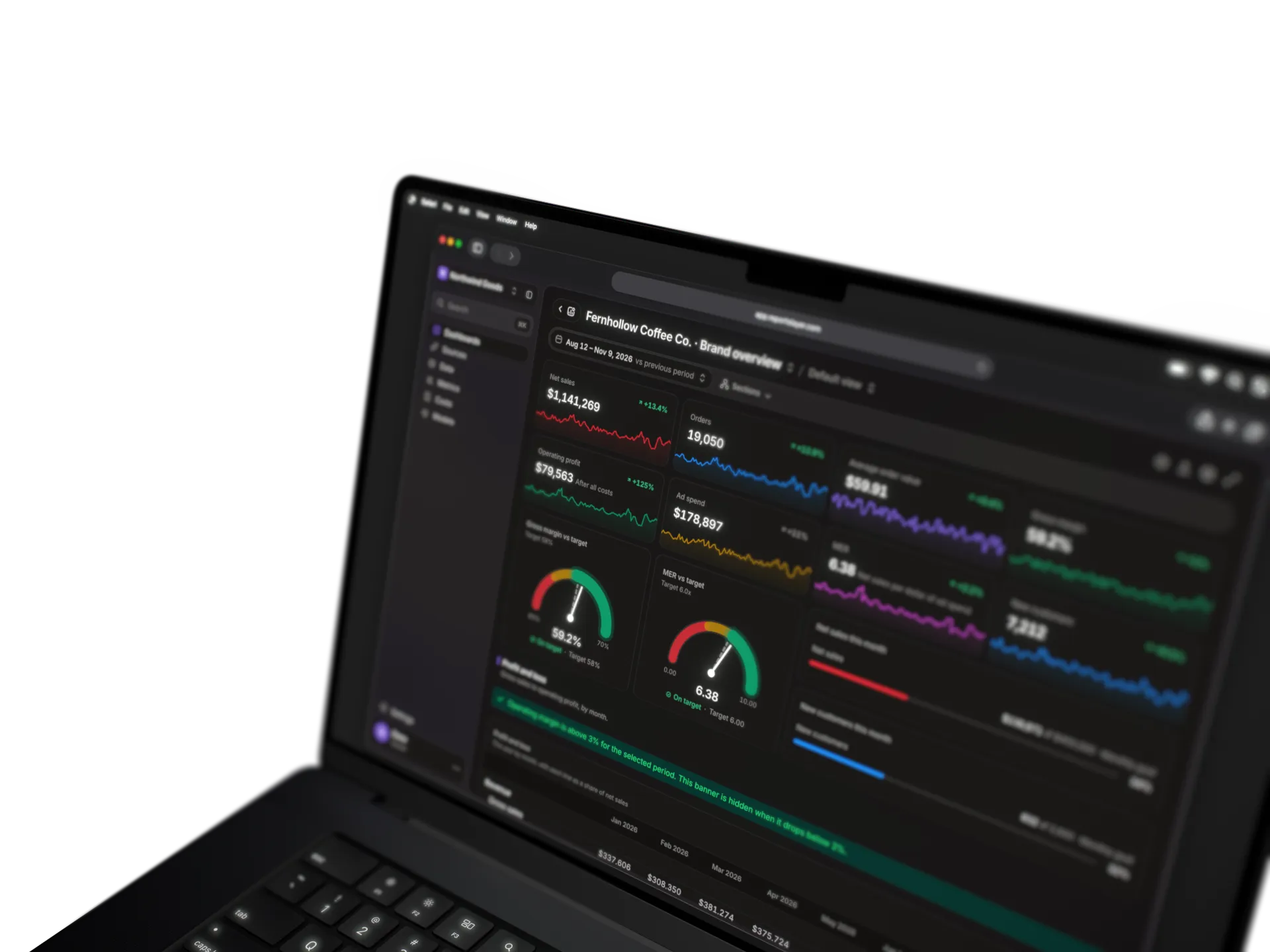
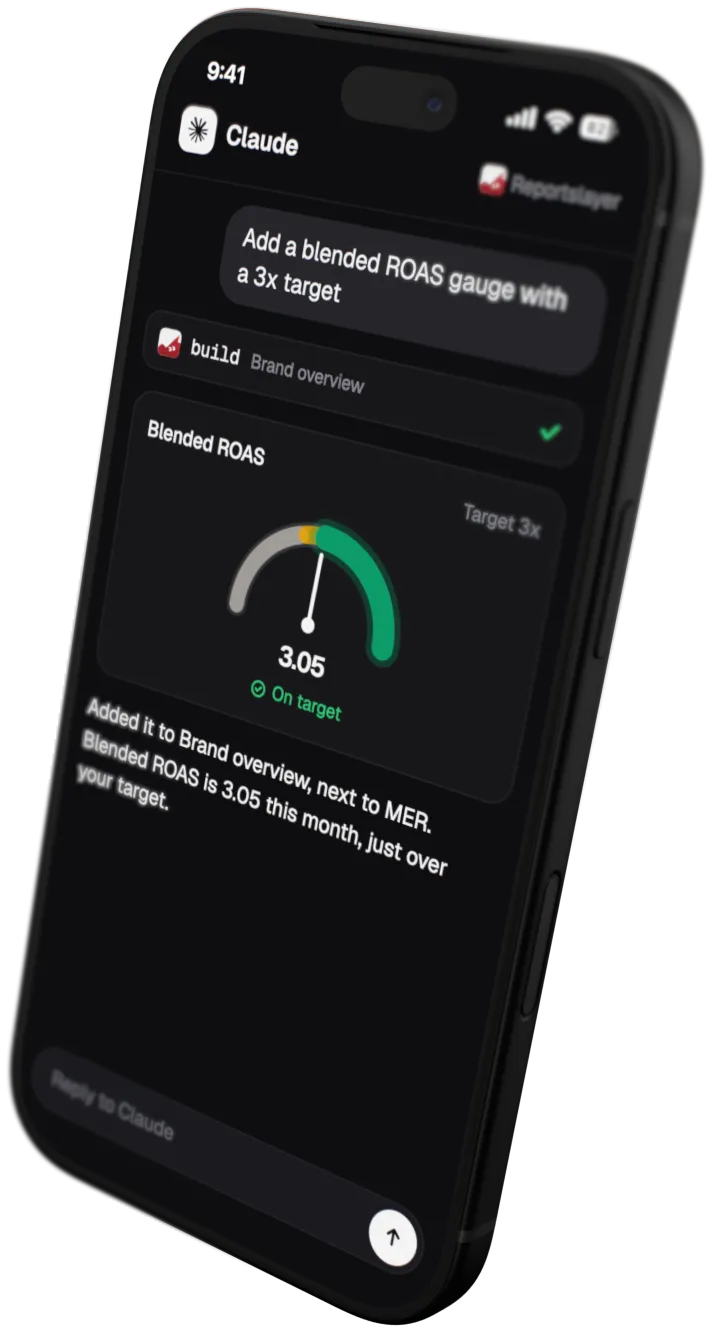
Your assistant draws the dashboard in the reply, KPIs and charts included.
-
Open a dashboard fullscreen, then ask your assistant for changes or edit it by hand in Reportslayer.
-
Drop in a CSV or spreadsheet, and it becomes data in your warehouse, joined with everything else.
-
A home in ChatGPT's sidebar, with your saved dashboards and a dashboard panel next to the chat.
In Claude, ask and the assistant lists your dashboards and opens the one you want.
Why answers stay sharp on big accounts
Years of history and many ad accounts should not slow an answer down or change the number depending on how you asked.
What your assistant can do
Your own assistant, on your plan and with your instructions, picks which tool to call. Each tool answers from the data and the metric definitions we keep. We run no agent of our own.
- Catalog Every source, field and metric you have, and what each one means.
- Get metrics Any metric by dimension, filter, date range and comparison.
- Find value Matches the campaign or product name you typed to its real ID.
- SQL Read-only SQL on the warehouse, with hard limits.
- Build Creates and edits dashboards, saves metrics and costs, pushes in your own data, shares links and sets alerts and scheduled email reports. Off when an assistant has read-only access.
- Connect Connects your sources from the chat, and any tool with an API, with keys entered on a secure page. Off when an assistant has read-only access.
-
Uses one definition per metric
ROAS, CPA and your own formulas have one definition, so your assistant gets the number your dashboard shows.
-
Reads pre-built daily summaries
A metric question reads the daily summaries we already built, not every raw row.
-
Keeps answers small
An answer holds 100 rows at most, plus totals and a note like "240 more rows".
-
Runs big questions in the background
A heavy question runs as a background job, and your assistant checks back for the result.
You decide what it sees and touches
Reportslayer only reads from your sources. You choose which assistants can build.
-
Reads your sources, writes nothing back
The connections only read. Nothing goes back to your ad accounts, CRM, email or store.
-
Read-only access for agents
An assistant or automated agent with read-only access keeps catalog, get metrics, find value and SQL. It cannot build, connect sources or change dashboards, metrics or data.
-
Customer data comes back masked
Each customer gets one profile, joined across Shopify and Klaviyo on a hashed email. Full names and emails stay masked for assistants, always. Tables you push or connect by API come in as they are.

Kill the Monday export
Connect your sources from the chat and ask the question you've been putting off.
- Free plan with every feature
- 10K events a month on Free
- Unlimited seats, viewers and dashboards
- Pro is month to month